


Strategic Squarespace Templates
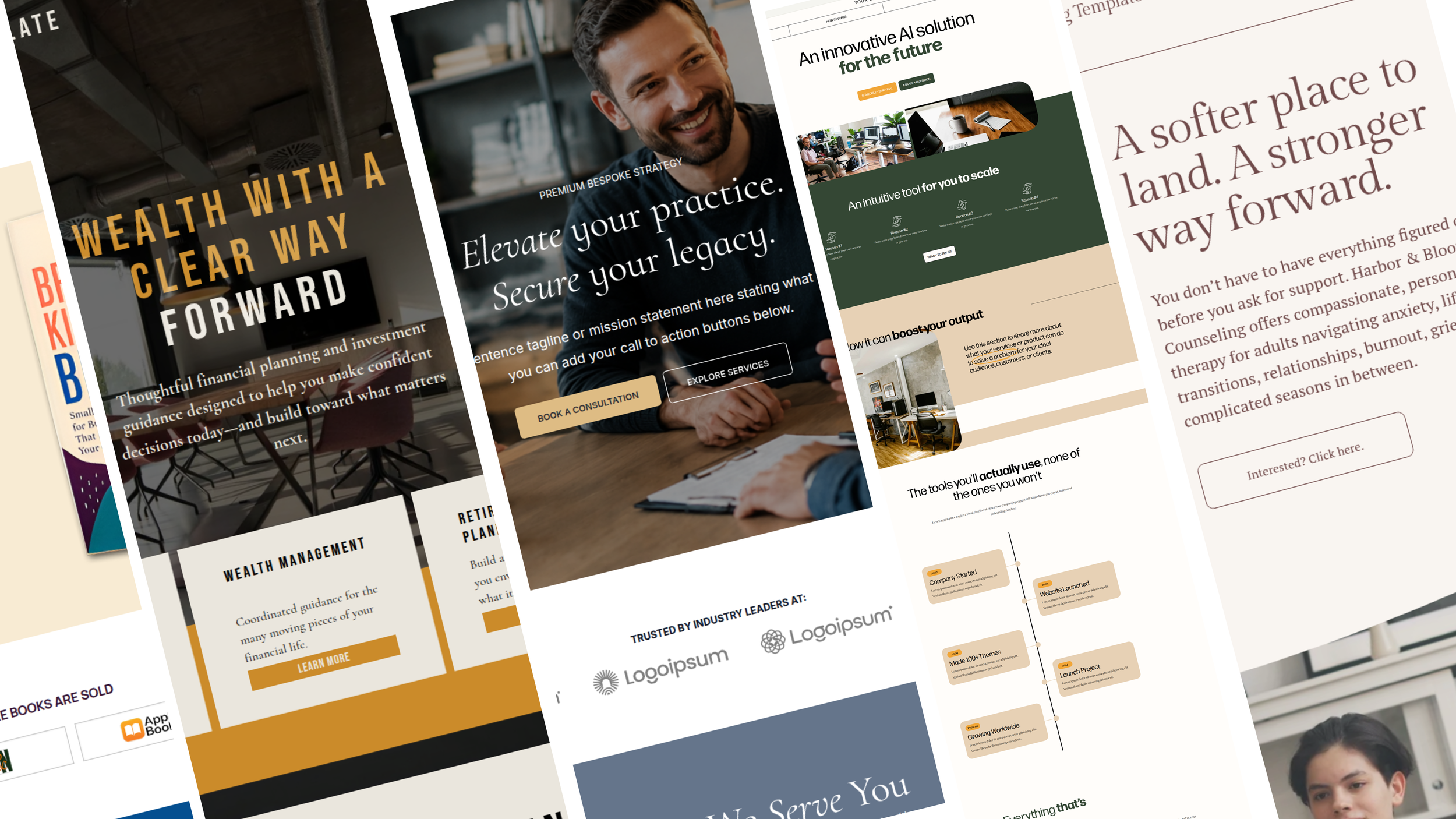
Explore strategic Squarespace 7.1 templates designed for authors, creatives, tech brands, professional service providers, and growing small businesses.
What happens after you purchase a template?
1. Purchase Your Template
Choose your favorite Merida Creative template and complete your purchase through our shop.
2. We Create Your Squarespace Site
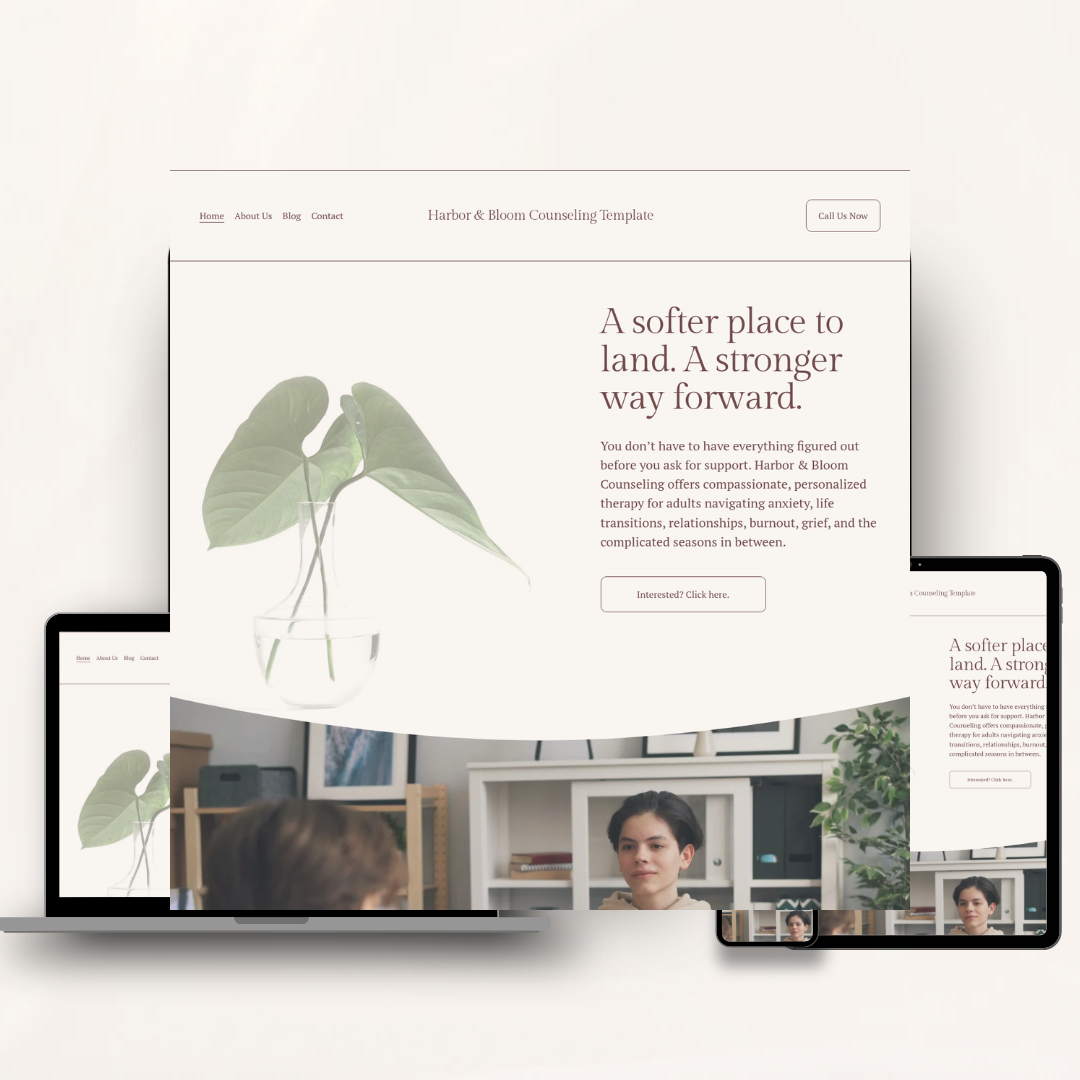
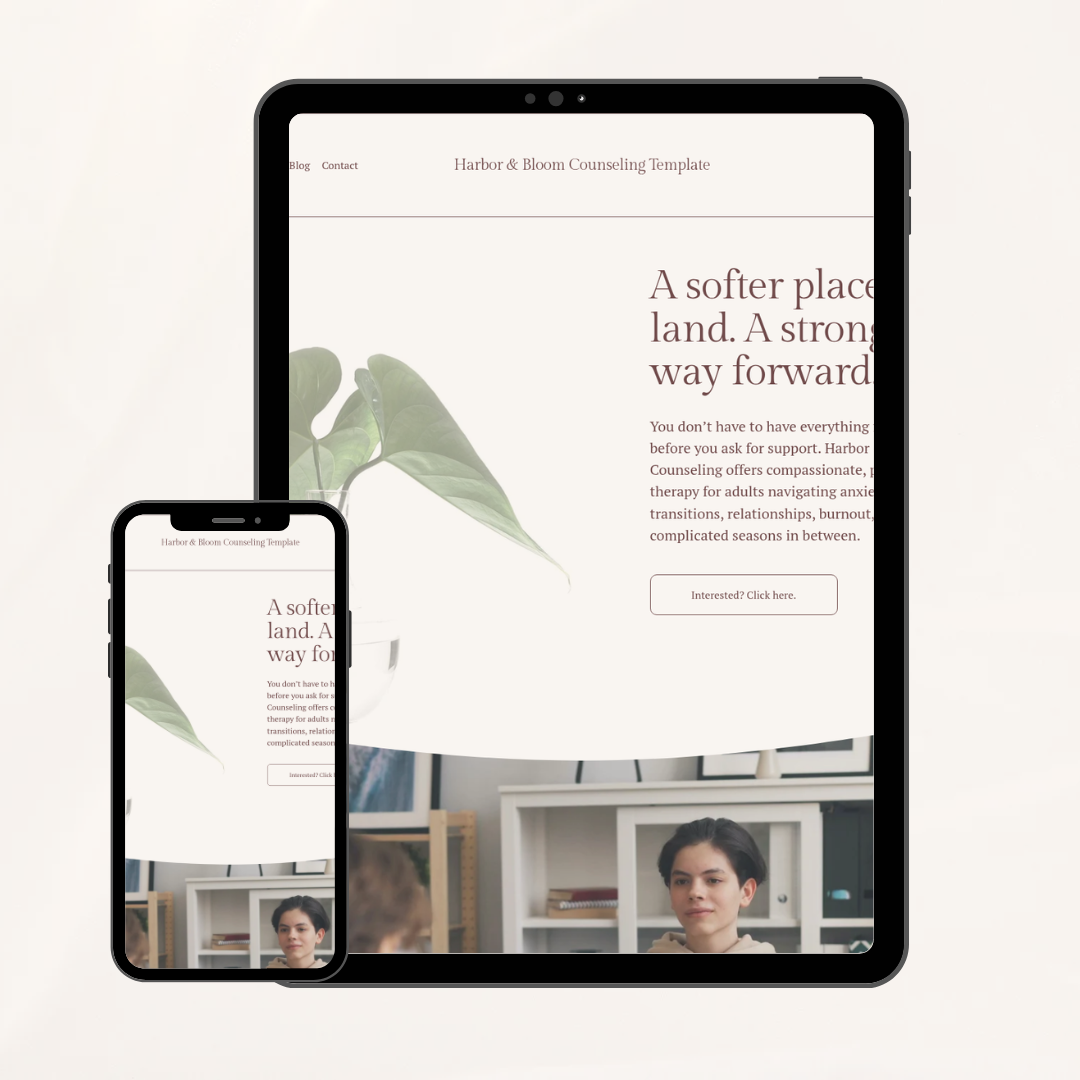
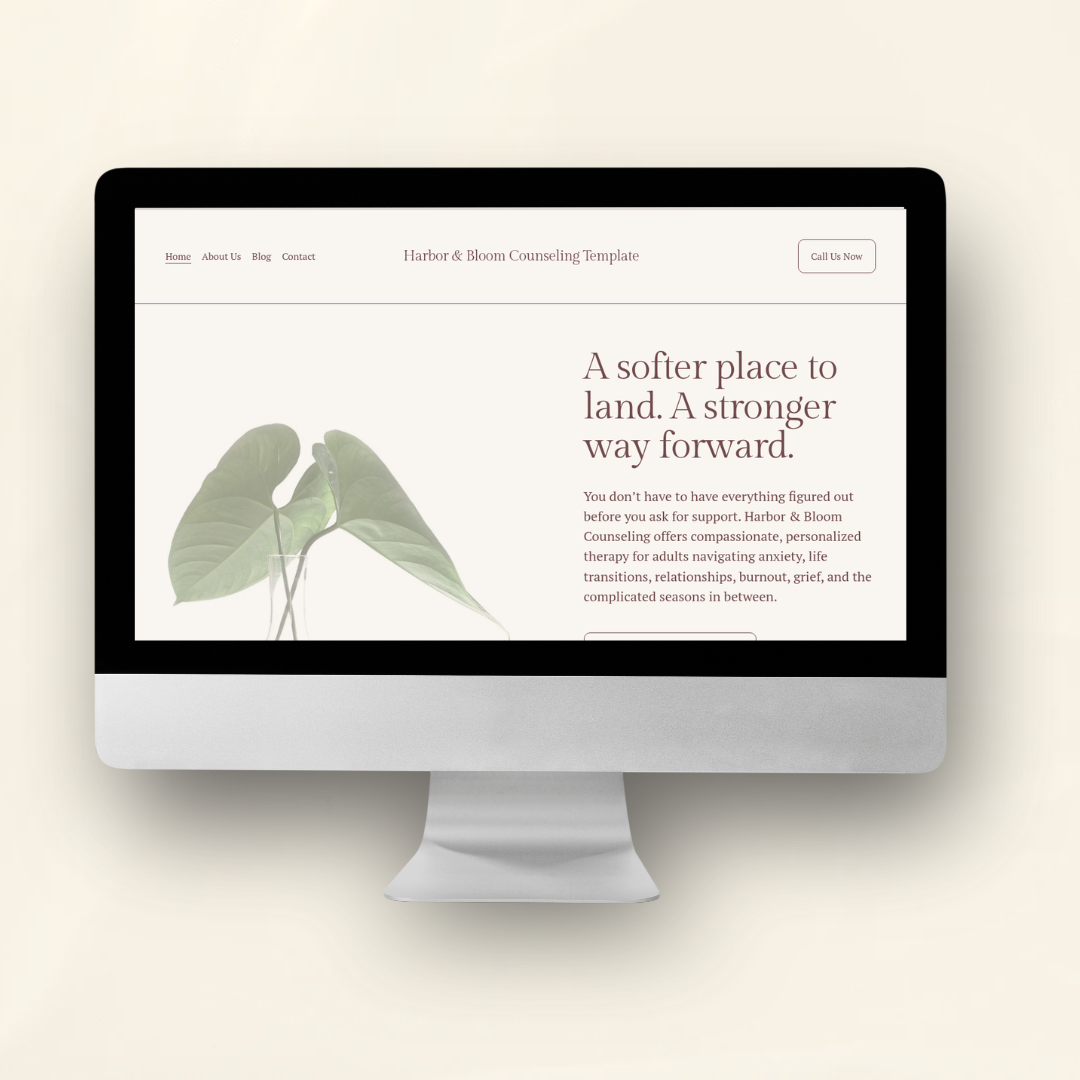
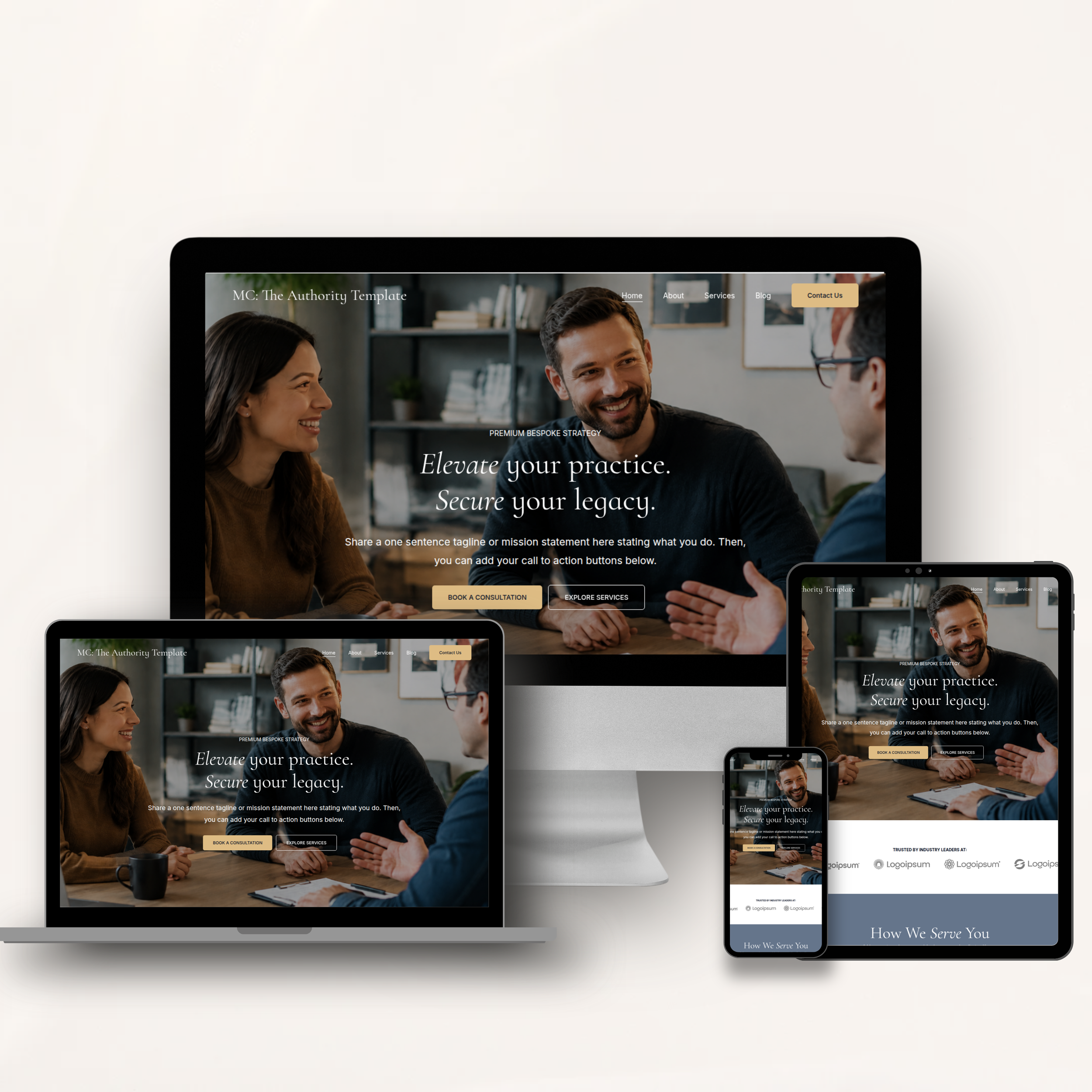
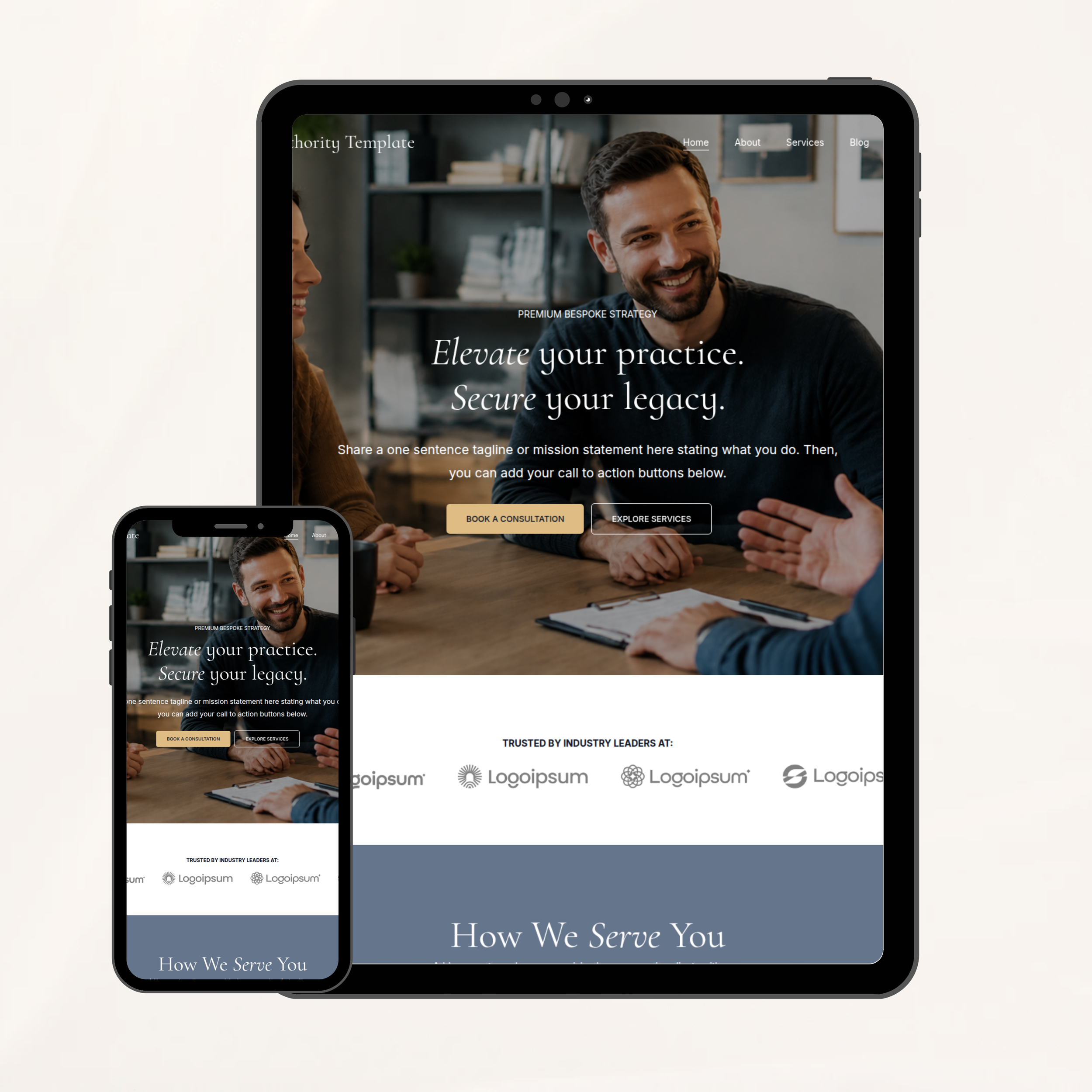
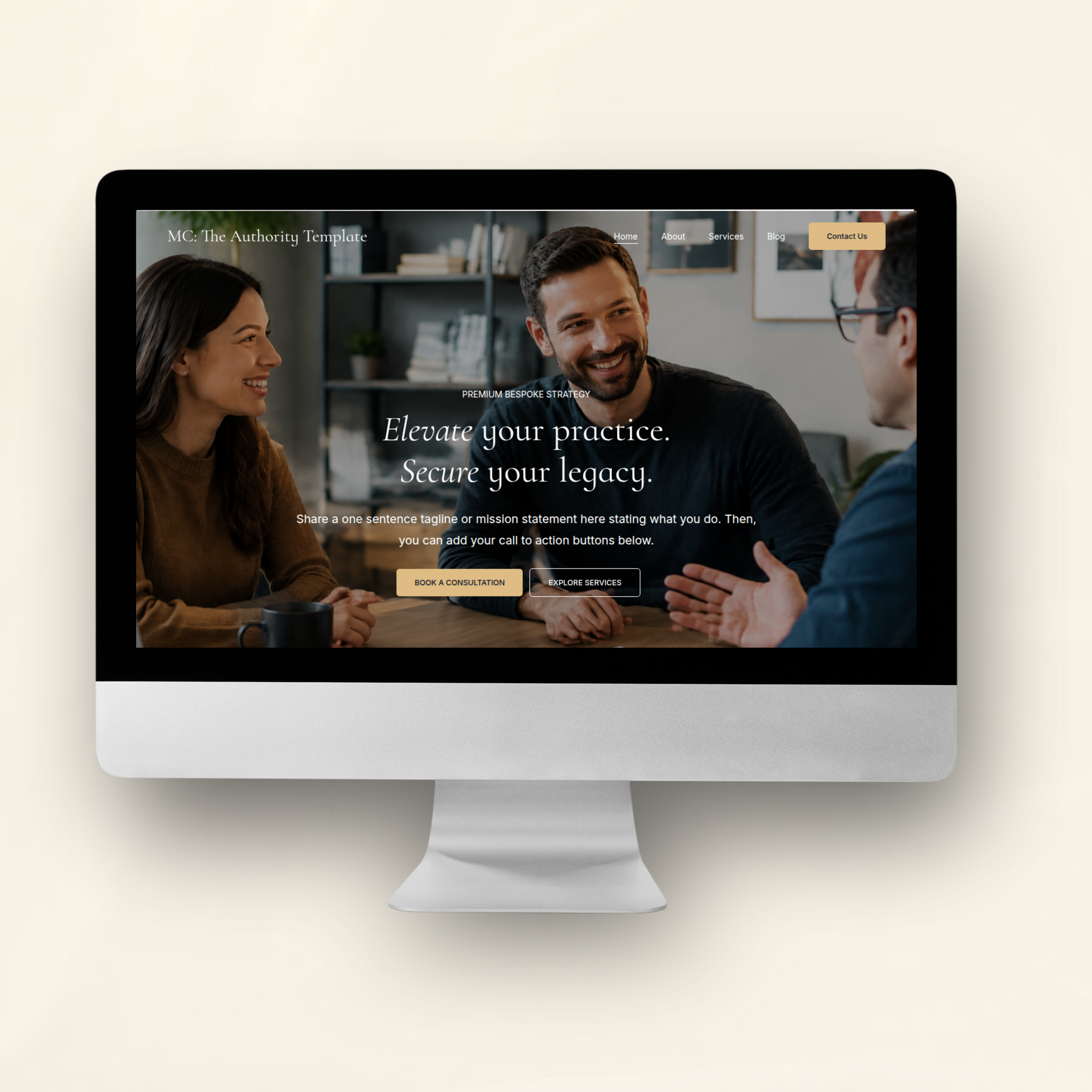
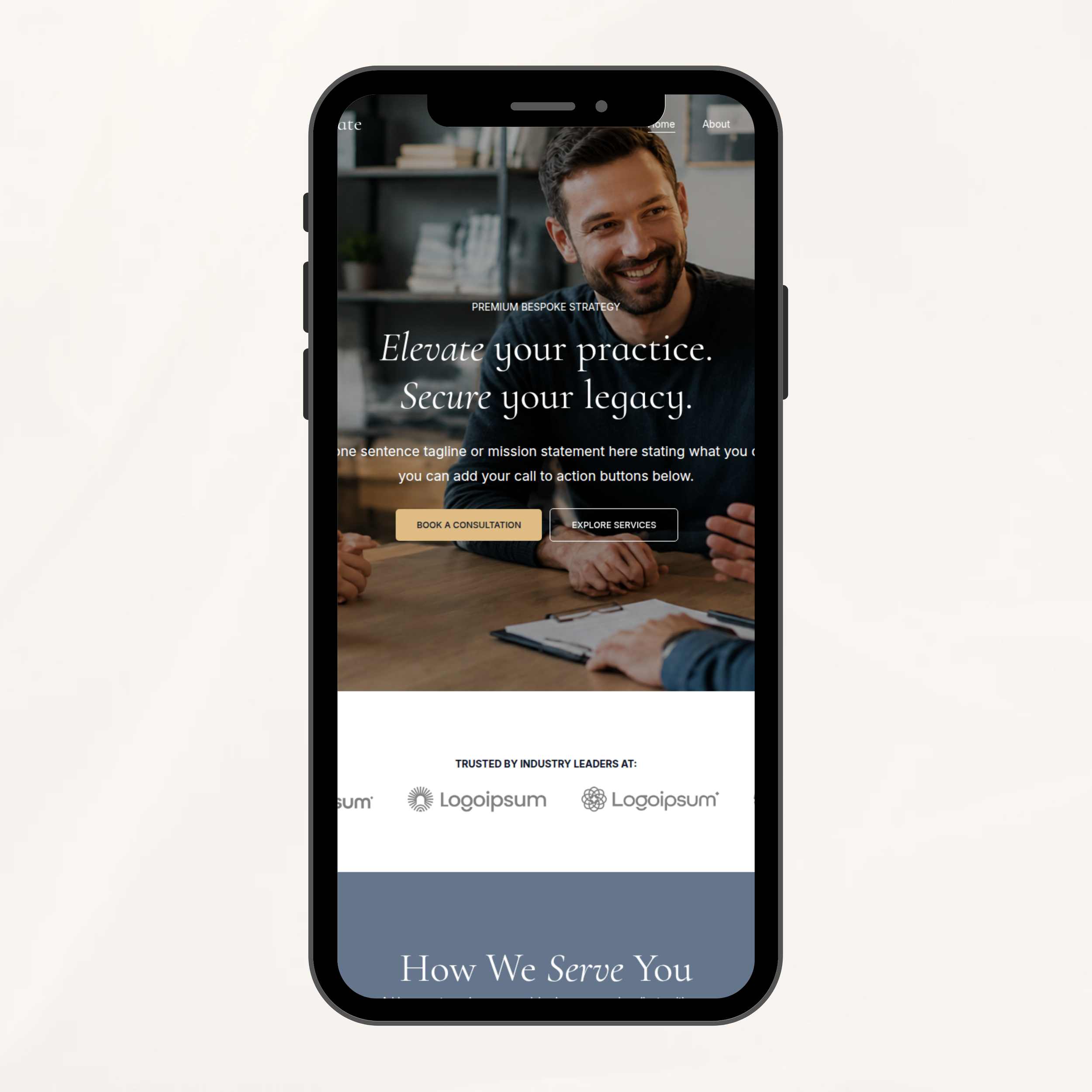
After your purchase, we’ll create a new Squarespace trial website using the template you selected. Your site will include all of the pages, layouts, and design elements shown in the template demo.
3. Check Your Inbox
Within 24 hours of purchase, you’ll receive an invitation from Squarespace to join your new website as a contributor. Be sure to accept the invitation using the Squarespace account you’d like connected to your website.
Don’t have a Squarespace account yet? No problem—you’ll be able to create one when you accept the invitation.
4. We Transfer the Website to You
Once you’ve been added to the site, we will transfer ownership of the website to you. From there, the site is officially yours.
5. Choose Your Squarespace Plan
When you’re ready to take your website live, you’ll choose and purchase your Squarespace subscription directly through Squarespace (you’ll get a 20% discount through us!).
Please note: Your Squarespace subscription and domain are separate from the purchase of your Merida Creative template.
6. Make It Your Own
Now comes the fun part. Replace the demo copy, images, colors, fonts, and other content with your own brand and business information.
The structure is already built—you’re simply making it your own.
7. Connect Your Domain + Launch
Once your content is ready, connect your existing domain or purchase a new one through your preferred domain provider, double-check your website on desktop and mobile, and publish your new site.
No downloading. No template installation. No starting from a blank page.
You’ll receive a professionally designed Squarespace website foundation that’s ready for you to customize and launch.
Frequently Asked Questions
-
After purchase, Merida Creative will create a new Squarespace trial site using your selected template. You’ll receive an invitation to join the site, and once accepted, ownership will be transferred to you.
-
No. Because your template is delivered as a complete Squarespace website rather than downloadable files, there is a short manual setup process before your site is transferred to you.
-
Your template will typically be prepared and transferred within 1–2 business days after purchase.
-
Yes. You’ll need a Squarespace account to accept ownership of your website. If you don’t already have one, you can create one when you receive your invitation.
-
No. Your template purchase is separate from your Squarespace subscription. When you’re ready to launch, you’ll purchase the Squarespace plan that works best for your business directly through Squarespace.
-
No. The template is built so you can customize your website using Squarespace’s visual editor. You can change your text, images, colors, fonts, buttons, and page sections without coding.
-
Absolutely. The template is meant to be customized to fit your brand. You can replace the demo content and adjust the design throughout the site.
-
Yes. You can duplicate existing sections, create new pages, add blog posts, expand your navigation, and continue building on the template as your business grows.
-
The template is delivered as a new Squarespace site rather than installed directly onto an existing website. You can move your existing content into the new site before connecting your domain and launching.
-
No. Your domain is purchased and managed separately. You can connect a domain you already own or purchase a new one when you’re ready to launch.
-
Template purchases are designed for DIY customization unless otherwise stated. If you’d rather have professional help customizing your site, you can inquire about additional website design or customization services.
-
I’d recommend making each purchase a single-site license. Something like: “Your purchase includes a license to use the template for one website/business. A separate license is required for additional websites.”
-
This depends on how you want to license them. If you don't want other designers buying one copy and reusing it repeatedly, I’d say: “Templates are licensed for one website. Designers may purchase a template for a client, but a separate purchase is required for each client website.”
-
Your purchase includes the complete website template and all pages and layouts shown in the template demo. Your own copy, photography, branding, domain, Squarespace subscription, and third-party tools are not included unless specifically stated.
-
Because website templates are digital products that cannot be returned once delivered, all template sales are final. Please review the demo and product details carefully before purchasing.
If you need help with your templates, here’s how we can help.
Your template is designed to make building your website easier—but DIY doesn’t have to mean doing every single thing alone. Whether you need help getting unstuck, want a professional eye before launch, or would rather hand the whole thing over, Merida Creative offers three ways to step in and help.
-
$100/hour
Get unstuck without handing over the whole project.
Have a few Squarespace questions? Something not looking right on mobile? Not sure how to customize a section?
Book a 45-minute one-on-one support session and we’ll work through your questions together so you can keep moving.
Great for help with:
Template customization questions
Squarespace settings
Mobile layout issues
Section and page adjustments
Forms, buttons, links, and navigation
Domain or basic site setup questions
General troubleshooting
We’ll tackle as much as we can during your 45-minute session.
Best for: The DIYer who mostly has it handled but needs a little expert help along the way.
-
$550
You build it. We make it feel finished.
You’ve added your copy, photos, branding, and content—now you want a professional eye to bring everything together.
With The Finishing Touch, Merida Creative will review your customized template and spend up to 2.5 hours polishing the design, correcting visual inconsistencies, and making sure your site feels ready to launch.
Your finishing session may include:
Desktop and mobile layout cleanup
Spacing and alignment adjustments
Font and color refinements
Image placement and sizing
Button, form, and link checks
Small design adjustments
Basic SEO settings review
Final pre-launch website review
Before your session, your website should be substantially complete with your final copy, images, branding, and core pages already in place.
Major redesigns, new pages, copywriting, custom coding, or additional functionality are not included, but can be quoted separately if needed.
Best for: The DIYer who has done the heavy lifting and wants a designer to give everything that final professional polish.
-
Starting at $1,750
Love the template, but not the DIY part? You chose the design. Now let us take it from here.
With a Done-for-You Template Buildout, Merida Creative customizes your purchased template with your branding, copy, images, and business information so you can skip the setup and move straight toward launch.
Your buildout includes:
Customization of your purchased template
Placement of your provided website copy
Brand colors and font styling
Placement and formatting of your provided photography
Customization of the pages included with your template
Desktop and mobile optimization
Forms, buttons, links, and social profiles
Basic on-page SEO setup
Final website review and launch preparation
You’ll provide your finalized copy, logo and brand assets, photography, and any necessary account information before the project begins.
Template Buildouts are designed to customize the existing template—not completely redesign it. Significant layout changes, additional pages, custom functionality, copywriting, advanced SEO, or custom development may require an additional quote.
Best for: The business owner who loves the template but would rather have a professional customize it for them.